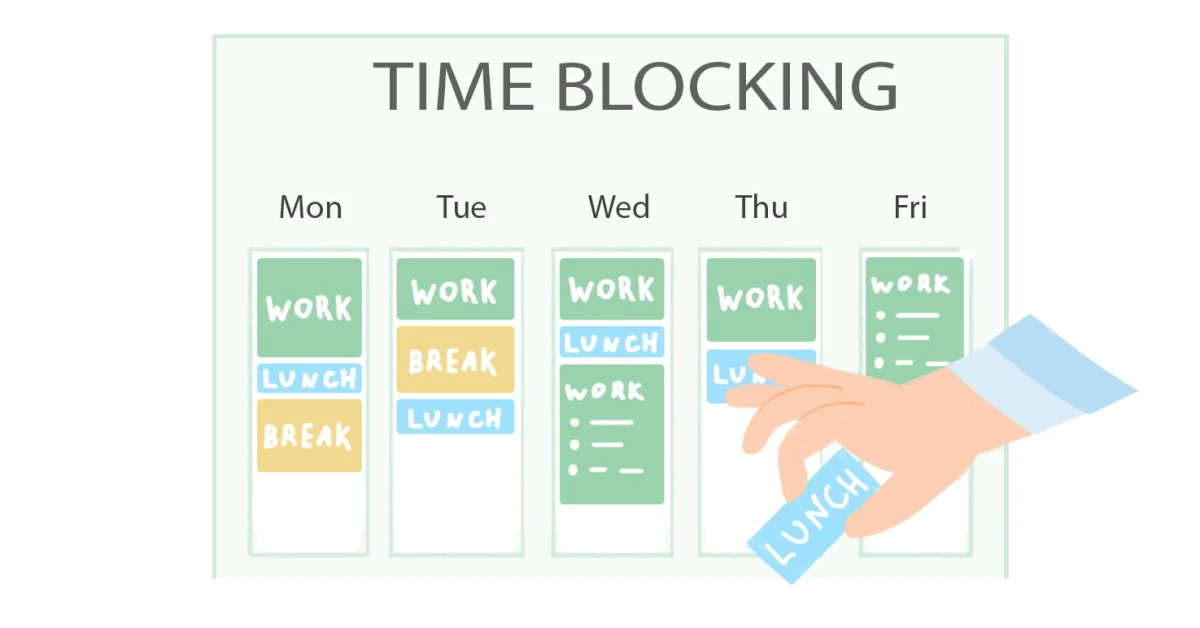
What is Time Blocking? (And Why It’s a Game-Changer)
Time blocking, also known as time boxing, is a time management method where you divide your day into blocks of time. Each block is dedicated to accomplishing a specific task or a group of similar tasks. Unlike a simple to-do list, it’s not about what you need to do, but when you will do it.
Think of it as creating a budget for your most valuable resource: time. You assign every hour a "job" before the day even begins, whether that job is a strategic project, answering emails, or even taking a break. This method is famously used by icons like Elon Musk and Bill Gates to manage their incredibly demanding schedules. The core idea is to move from being reactive (constantly responding to emails, messages, and interruptions) to being proactive (controlling what you work on and when).
The Science Behind the Hype: Why Your Brain Loves Time Blocks
Reduces Decision Fatigue: By planning your day in advance, you eliminate the constant mental energy spent on deciding "what to do next."
Promotes Deep Work: Cal Newport, who coined the term, defines deep work as "professional activities performed in a state of distraction-free concentration." Time blocking is the primary vehicle for scheduling and protecting this state.
Combats the Planning Fallacy: We humans are terrible at estimating how long tasks will take. Time blocking forces you to confront reality and create more realistic schedules.
How to Start Time Blocking in 5 Simple Steps
Step 1: Choose Your Tool
You can use a digital calendar like Google Calendar or Microsoft Outlook (which are great for color-coding and reminders) or a physical notebook or planner if you prefer writing by hand.
Step 2: List Your Tasks and Responsibilities
Brain dump everything you need to accomplish. This includes work projects, meetings, administrative tasks, personal errands, and even downtime. Don't filter anything at this stage.
Step 3: Estimate and Block Your Time
This is the core of the process. Look at your list and assign each task a specific time block on your calendar. Be generous with your time estimates at first—it's better to finish early than to feel rushed.
Pro Tip: Color-code your blocks (e.g., blue for deep work, green for meetings, yellow for administrative tasks, pink for personal time) for a quick visual overview of your day.
Step 4: Schedule Buffer Time and Breaks
Do not pack your schedule back-to-back. You will get interrupted, and tasks will overrun. Schedule 15-30 minute "buffer blocks" between major tasks to catch up, take a breather, or handle the unexpected. Also, schedule your lunch break and short 5-minute breaks to recharge.
Step 5: Execute and Reflect
When a time block begins, your only job is to focus on the task for that block. Turn off notifications, close unnecessary browser tabs, and honor your schedule. At the end of the day or week, review what worked and what didn't. Adjust your time estimates and schedule for the next period.
Advanced Time Blocking Strategies
Day Theming: Dedicate entire days to a single theme or type of work (e.g., Monday for meetings, Tuesday for deep work, Wednesday for marketing).
Task Batching: Group similar small tasks (like answering emails, making phone calls, or invoicing) into a single time block to avoid context-switching. This is a key part of how to create a weekly schedule that actually works.
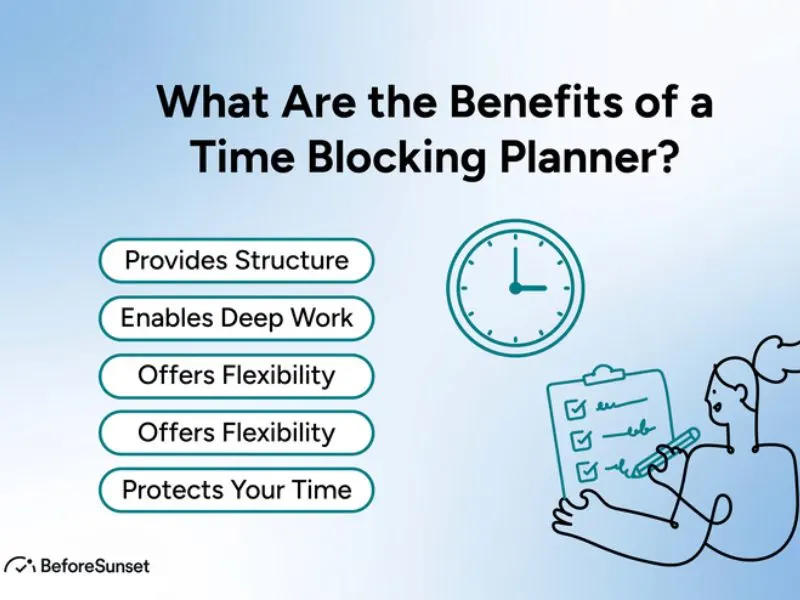
How to Time Block: Master Your Schedule & 10x Productivity
Conclusion: Take Back Control of Your Time
Time blocking is more than a scheduling technique; it's a mindset shift. It’s a commitment to prioritizing your important work over the seemingly urgent distractions that bombard us daily. By giving every minute a purpose, you stop feeling like your day controls you and start feeling like you are in command of your day. It’s the simplest way to go from overwhelmed to overachiever. For more insights, you can explore this definitive guide to productivity.